
A year or so ago, I was only using AI to ask which series to binge on a Friday night (and make memes of my friends).
I wasn't really sold on the idea that something that learns from the internet would make me any better at my job, especially when the majority of what's on the internet is absolute garbage.
But, fast forward to now and it's automating key (but very boring) bits of my working day.
The odd tasks that made me a very expensive VA suddenly disappeared off my plate overnight, so I can spend more time on stuff that makes my clients and, more importantly, me more money.
And, no matter your role or seniority in a creative team, I'd bet that at least 10% of your time is spent on those highly monotonous tasks that barely move the needle.
Copying and pasting between tabs, scouring Slack to find the feedback, uploading ads to check safe zones, exporting files. All important stuff, but none of it really needs your brain.
And those tasks are exactly the jobs I think the robots should be taking.
Creative people tend to work best when they have room to actually be creative; so here's how to buy back some of that time.
I've wasted a lot of time trying to automate stuff that doesn't need automating, and spent much more dragging my mouse across my desk when an automation was the perfect answer. Below are the ones I've used and recommend.
Btw, if you're looking to fire your whole team and completely automate your production cycle, this post probably isn't gonna be for you. But if you scroll X for 14 seconds, I'm sure you'll find someone selling a $97 course for that.
01 / 05
What should you automate?
There's always one task that sends people's eyes to the back of their skull when it lands in their schedule.
You hate asking; they hate doing. Sometimes it's resizing ads, sometimes it involves copy-and-pasting between 8 tabs, occasionally it's Barbara's weekly report that nobody reads, including Barbara.
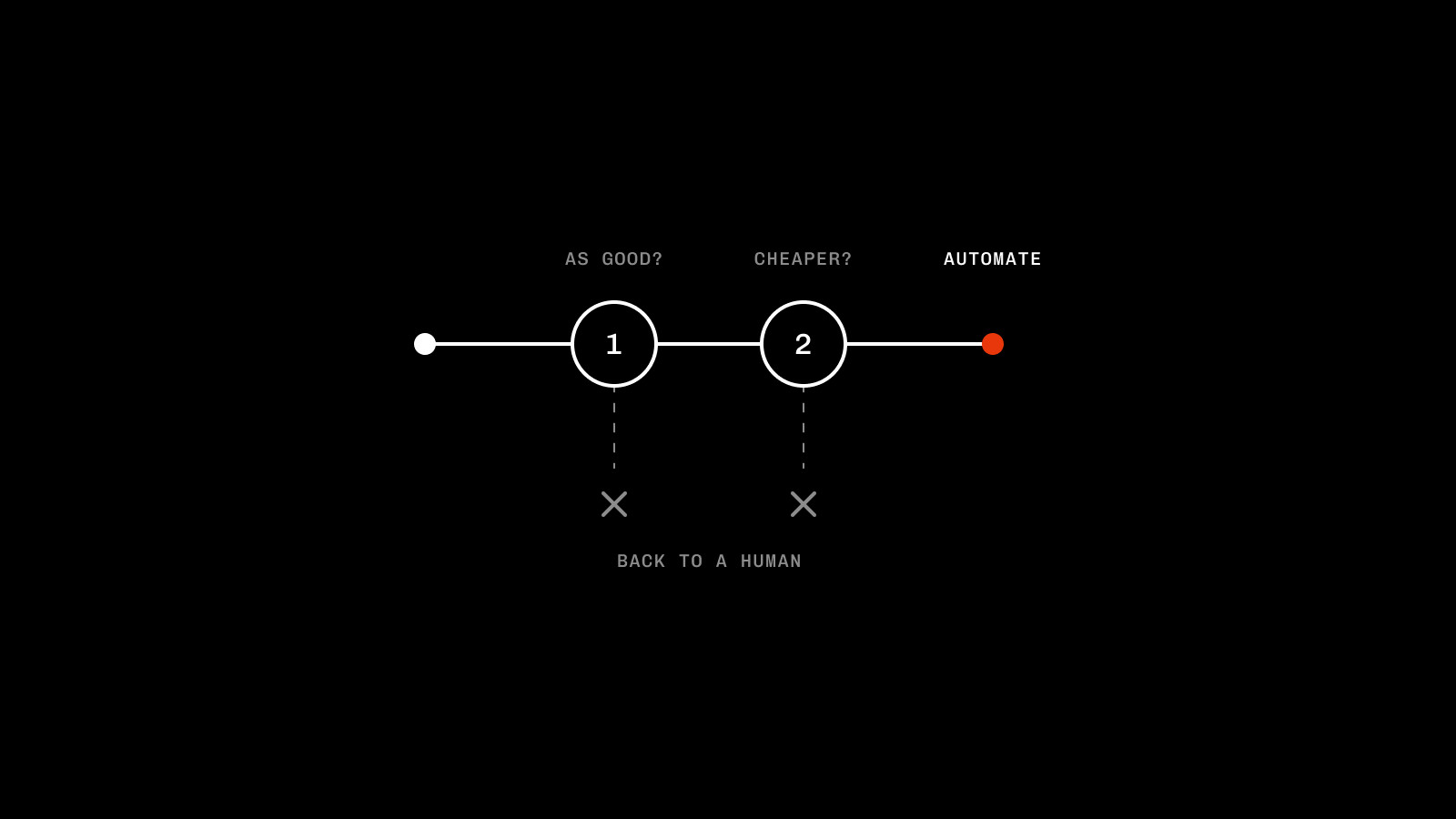
I wrote a bit about this in episode 1: if the output hits the standard a human would and it's cheaper in credits than man-hours, automate it. If it doesn't, don't.
Outsource your thinking and it's a one-way ticket to slopville: sloppy briefs, sloppy execution, everything slop. Clients notice, your team notices, even my Nan's starting to clock that the backflipping dog on her fyp was fabricated in a data centre in Texas.
But automate the admin-y boring stuff; your clients get better value as you can work on what actually matters, your team gets more time to be creative, and there's less wasted time across the board.
Common sense usually prevails, so here's where I'd start:
If you're tracking time
Export your data, and score each task by:
Effort (1-10): Time on specific tasks per month
Impact (1-10): What impact does the task have on results/goals/relationships?
If something is high effort and low impact, that's a pretty good place to start.
Tracking time also means you can easily measure impact on margins as the data populates in future months.
If you're not
You don't need perfect data to start; it helps, but it's not essential.
In the majority of teams, there'll be a few tasks that instantly stand out. So the best bet is to just ask. Get a survey sent out across your team asking what those are, spot the trends, and start there.
Impact is much harder to measure if you don't have data to compare, but general morale or vibe checks around workloads might give you enough.
02 / 05
Brief Checks
Great briefs create great work. Shit briefs create, you guessed it, shit work.
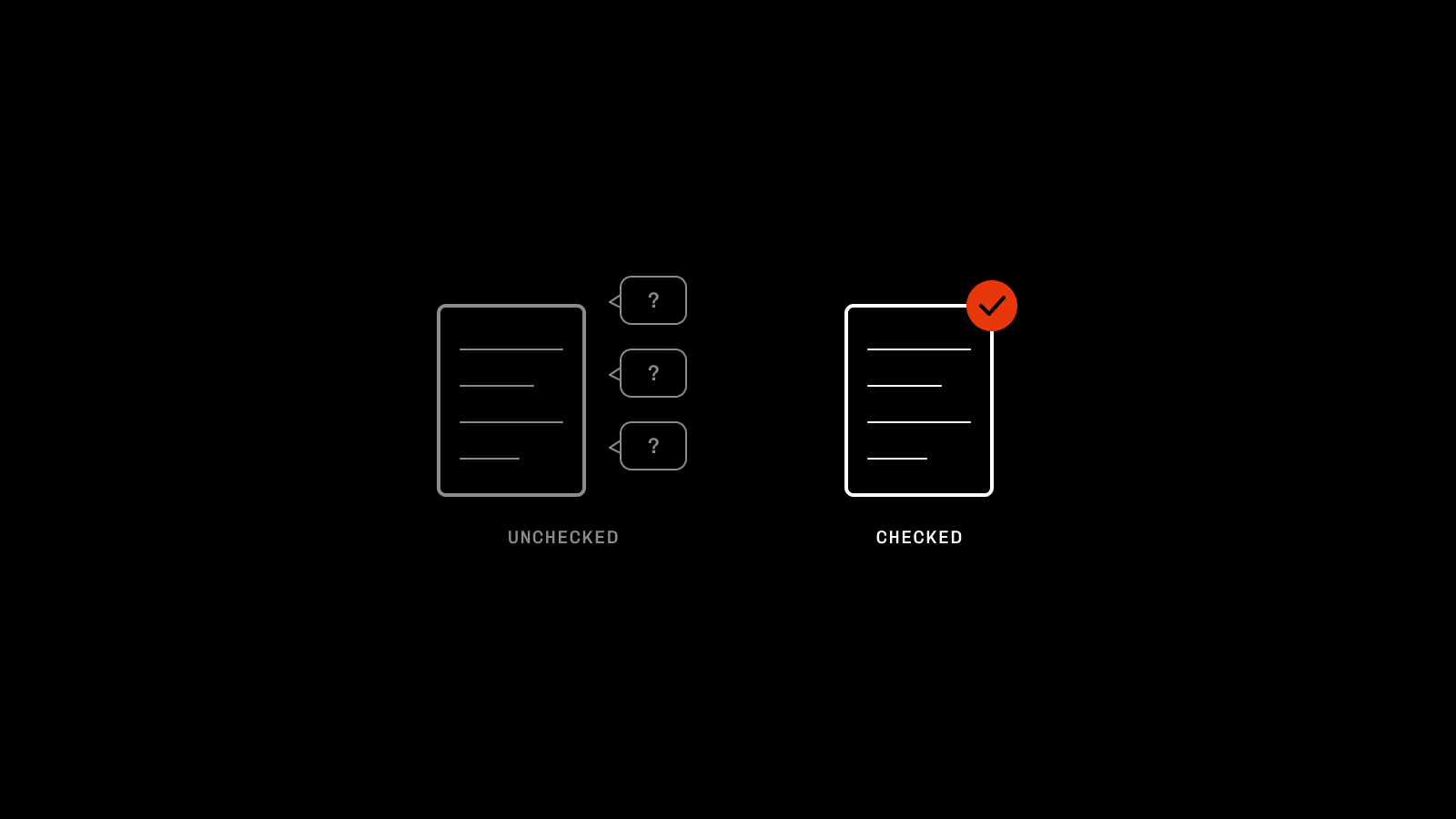
Should the robots be writing the briefs? I don't think so. But should the robots be checking your briefs to make sure they can be run with? Abso-bloody-lutely.
The amount of time I spent as a designer questioning or chasing briefs for the stuff that actually matters is rather embarrassing. Performance data, offers, which landing page it's going to, who's signing it off, what the historic feedback is, what the goal is, the list is endless.
This only heightens if you work with external creatives who don't get the same visibility as your in-house team. There's so much subjectivity in delivery, and so much more context sitting with whoever is signing off. The better a brief, the more the two meet in the middle.
If you're smart, you'll have a shiny SOP on what actually makes a great brief: objectives, audience, references, links, feedback, data trends, all the good stuff.
Feed it to the robots and ask:
Prompt
Check {Insert Brief} against {Insert SOP} and {Insert Client Context}, then flag anything a designer would have to guess
Fill in the gaps before it lands with the designer. The "quick question" messages flying around on Slack disappear, and first rounds of feedback aren't you cosplaying a parrot.
03 / 05
Preflight Checks
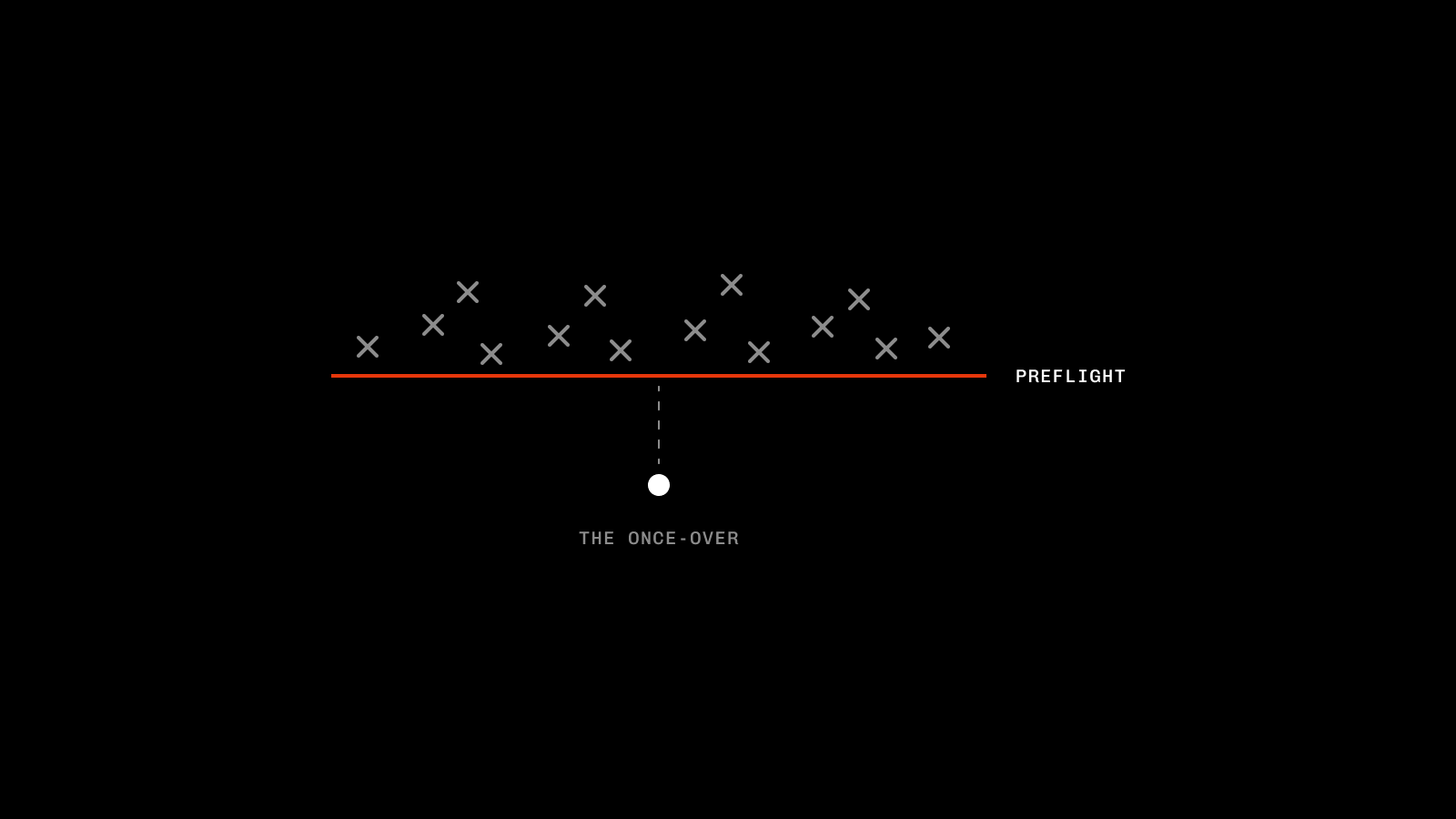
Most issues pop up in production cycles due to Human Error*.
Feedback is missed, brand guidelines aren't followed, text creeps out of safe zones, the list goes on. Combine that with the fact that the reviewer is typically time-poor due to their seniority, and things can slip through.
Clients also come with their own context and preferences, which don't always make it through to the doers. Add in learnings, historic feedback, naming conventions, T&Cs, offer changes, compliance updates, then multiply it by 25 clients, and the odds of something going wrong increase 10-fold.
If you can capture all of that context in one place, each creative that's made can be automatically sense-checked against it, and as long as it's kept up to date (by a human), the robots can earn their keep.
Then it's as simple as:
Prompt
Check every frame in {Insert Figma URL} against {Insert Client Context}, and flag anything I've missed
A human should always have the final once-over, but if 99% of issues are caught before it gets to them, there's less feedback, fewer amends, and most importantly more time to increase shareholder value.
*Bosh, book an audit lol.04 / 05
Resizes & Localisation
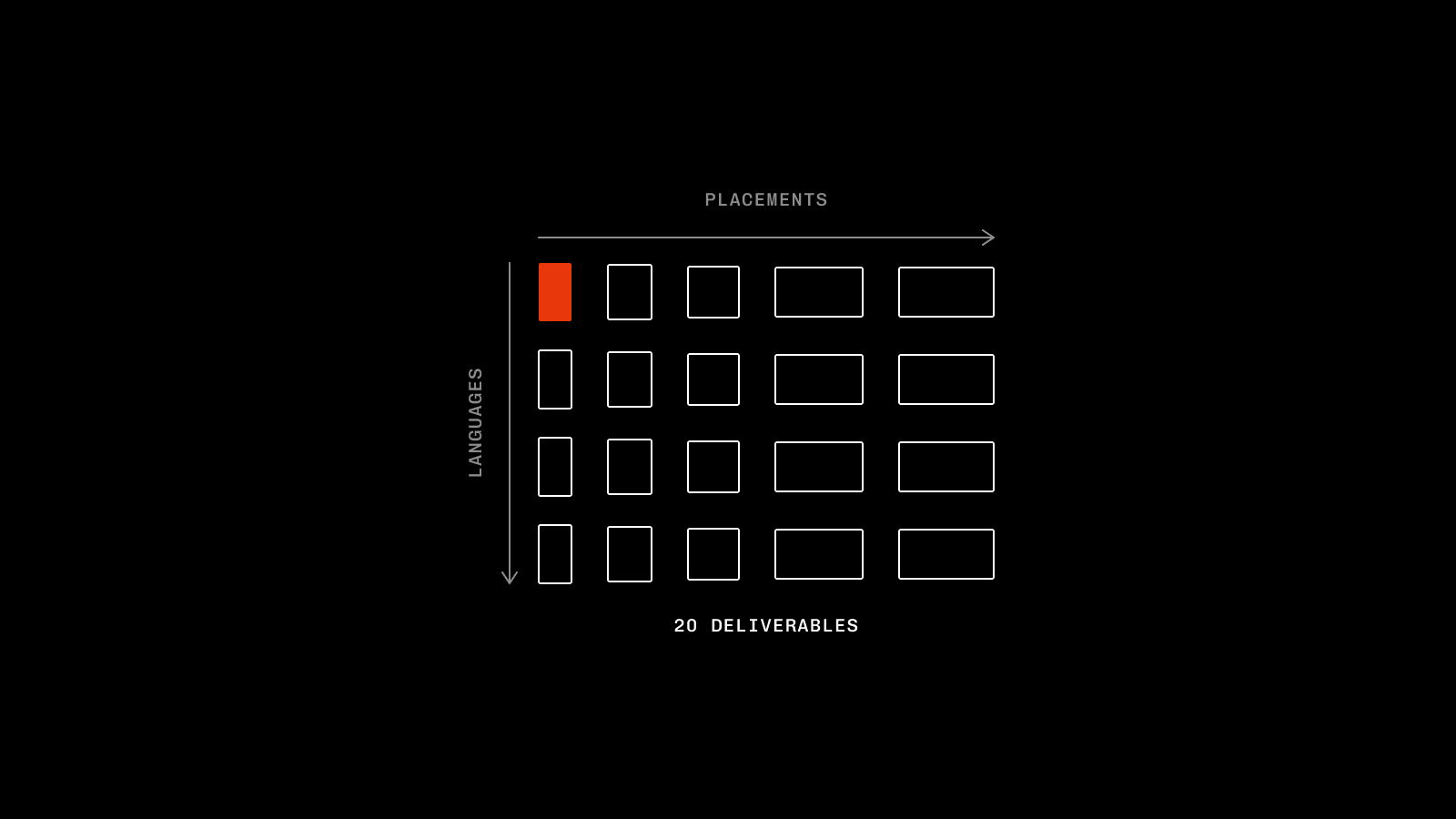
I couldn't even begin to quantify the time I've spent turning a signed off ad into the different placements across my career. Add in translations and localisations, and I reckon you're looking at a fair few months (maybe years) of mind-numbing work.
A single ad will always turn into multiple deliverables. Scale this out across clients, platforms, and campaigns and the hours spent moving pixels to fit new artboards start stacking up fast.
Important work? Yes. Human needed? Probably not.
Success here comes from the groundwork. Context files/skills that mirror human decision making, platform nuances and best practice remove the endless arguing with your chatbot post-delivery.
Keep your people on the overall concept, and let the robots worry about the placements.
A job that used to take a few hours a week is now a prompt, "Turn {Insert Figma Artboard} into {Insert Platform} sizes" and about 0.02p worth of tokens.
The time earned back frees you up for deeper research, finding new angles, upskilling in other areas, or at the very least a lunch break that isn't dropping crumbs in your keyboard.
05 / 05
File Admin & Housekeeping
Back in episode 2 I apologised in advance for how boring housekeeping is. Unfortunately, it hasn't got any more exciting since, so stick with me.
If we're honest, can anyone really be arsed to tidy their working files, name layers and bin the 14 half finished-artboards? Probably not. Does it make handing off to other team members and clients a little less embarrassing? Probably.
Chuck in naming conventions, which are confusing at the best of times (what does HE_PP1_W1_TR1_V1_45_916 even mean?!), and sprinkle in downloading and uploading files across multiple platforms, and you've got a load of manual work.
Not my problem anymore:
Prompt
Clean up this {Insert Figma URL} artboard using {Insert SOP}, name everything to {Insert Naming Convention}, then upload it to {Insert Platform}
Turn the prompt into a global skill, roll it out across the team and you're golden.
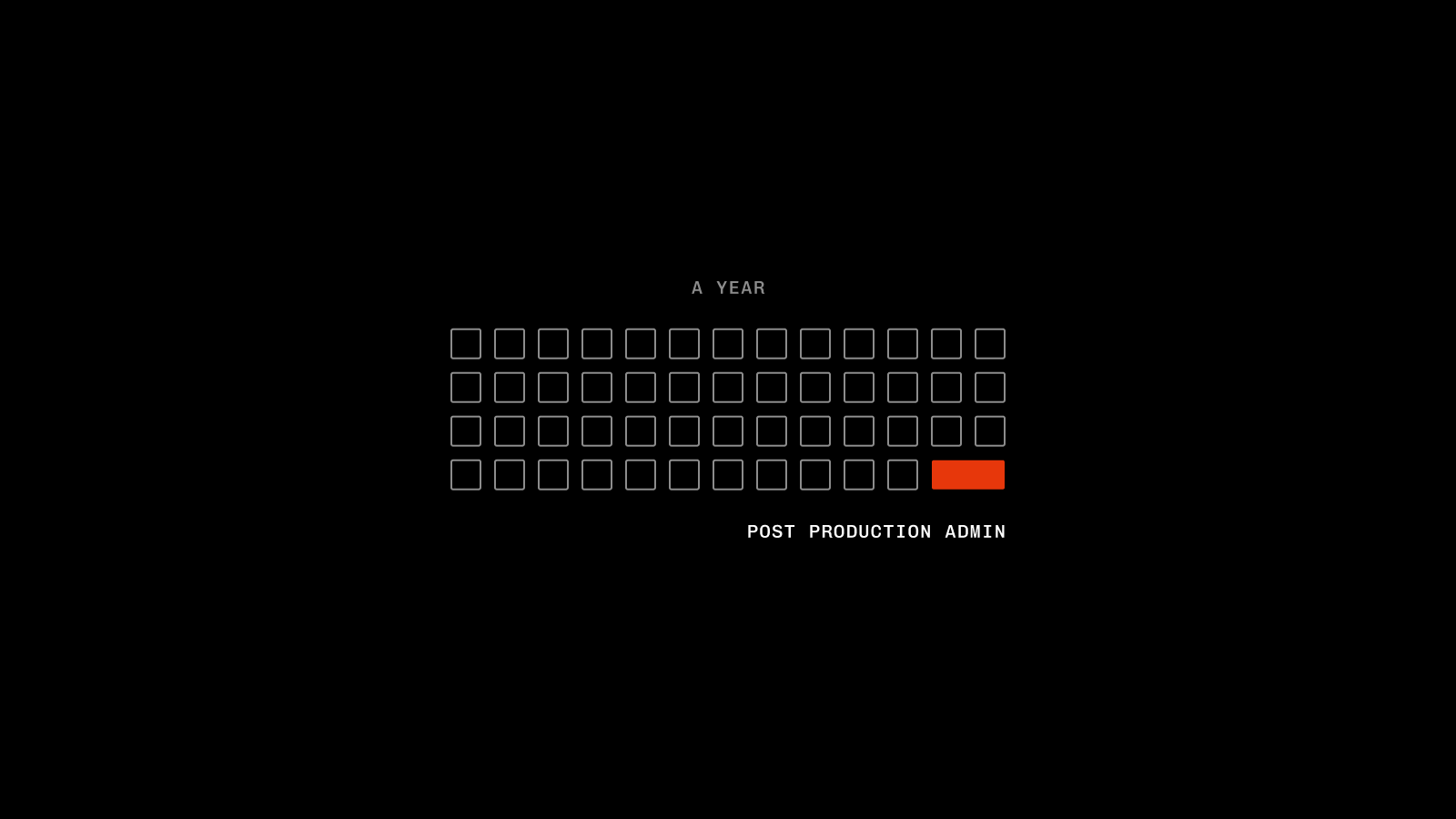
A job that typically only takes 10-20 minutes each time, but scaled out across the year you're easily eating up 1-2 weeks of billable time renaming rectangles and dragging files from your desktop.
Not a bad saving from a few hours of mirroring your SOPs into Claude.
Cya later, Frame 1847.
To round up: give the robots the stuff that no human can really be bothered to do. The admin, the legwork, the stuff that's just part of the job, not the purpose of it.
Don't outsource the 'je ne sais quoi' of a creative cycle (the concepts, the angles, the taste, the big ideas), or you're joining the increasingly crowded race to the bottom.
But if you are adamant on the latter, I'd like to thank you in advance. Human Error might just make it to its first anniversary.